立即試用 Roblox — 以 AI 製作 Roblox 圖示、縮圖與經濟計算,免註冊
Roblox — 以 AI 製作 Roblox 圖示、縮圖與經濟計算 · 為 Roblox 創作者打造的圖示、縮圖與 Robux 工具
適合發布體驗並在 Marketplace 販售的創作者:產生 512×512 的圖示和 1920×1080 的縮圖,文字清晰銳利——因為文字不是 AI 寫的,而是之後才組合上去——確認您的圖示在手機動態中 64 像素時的樣子,並依現行的 DevEx 費率和手續費,算出您實際會拿到多少。
在使用人工智能的功能中,回答由人工智能生成,不能替代专业人士的建议。

Do you make your cover with all the care in the world, only for the headline to end up under the buttons in the feed?
TikTok's interface eats up a huge part of the canvas —the button column on the right, the user and description block at the bottom, the top bar— and on top of that, your profile grid crops the video to 3:4. That is what ruins covers made by eye or from a square template. Here those measurements are written down, with their verification date visible, and they govern both the simulator you see and the file that gets composed: the headline is placed in the area that is free in the feed AND inside the 3:4 window of the profile. The same goes for text: special fonts are built code point by code point and the counter counts real graphemes, which is what TikTok looks at when saving. None of this talks to TikTok: there are no passwords, no accounts, no followers and no analytics. You download the files and upload them manually.
查看工具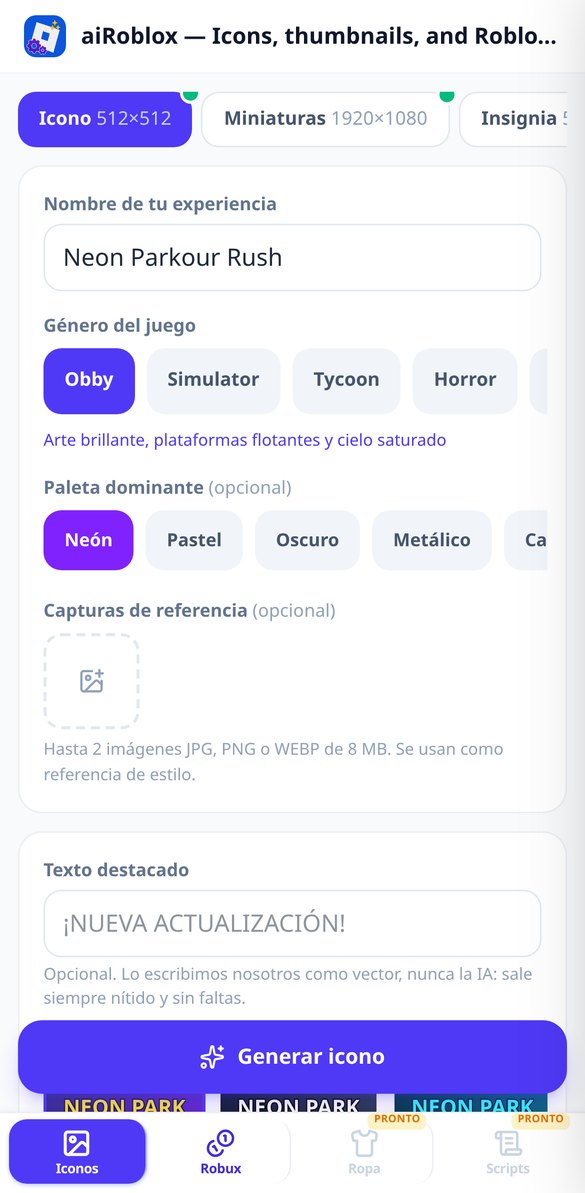
深入了解每項功能
Roblox 圖示生成器 512x512 AI | Roblox
用 AI 製作 512x512 的 Roblox 體驗圖示:選擇類型、配色與清晰的醒目文字(不是 AI 寫的)。以 64 像素測試,並免費下載 PNG。
免費試用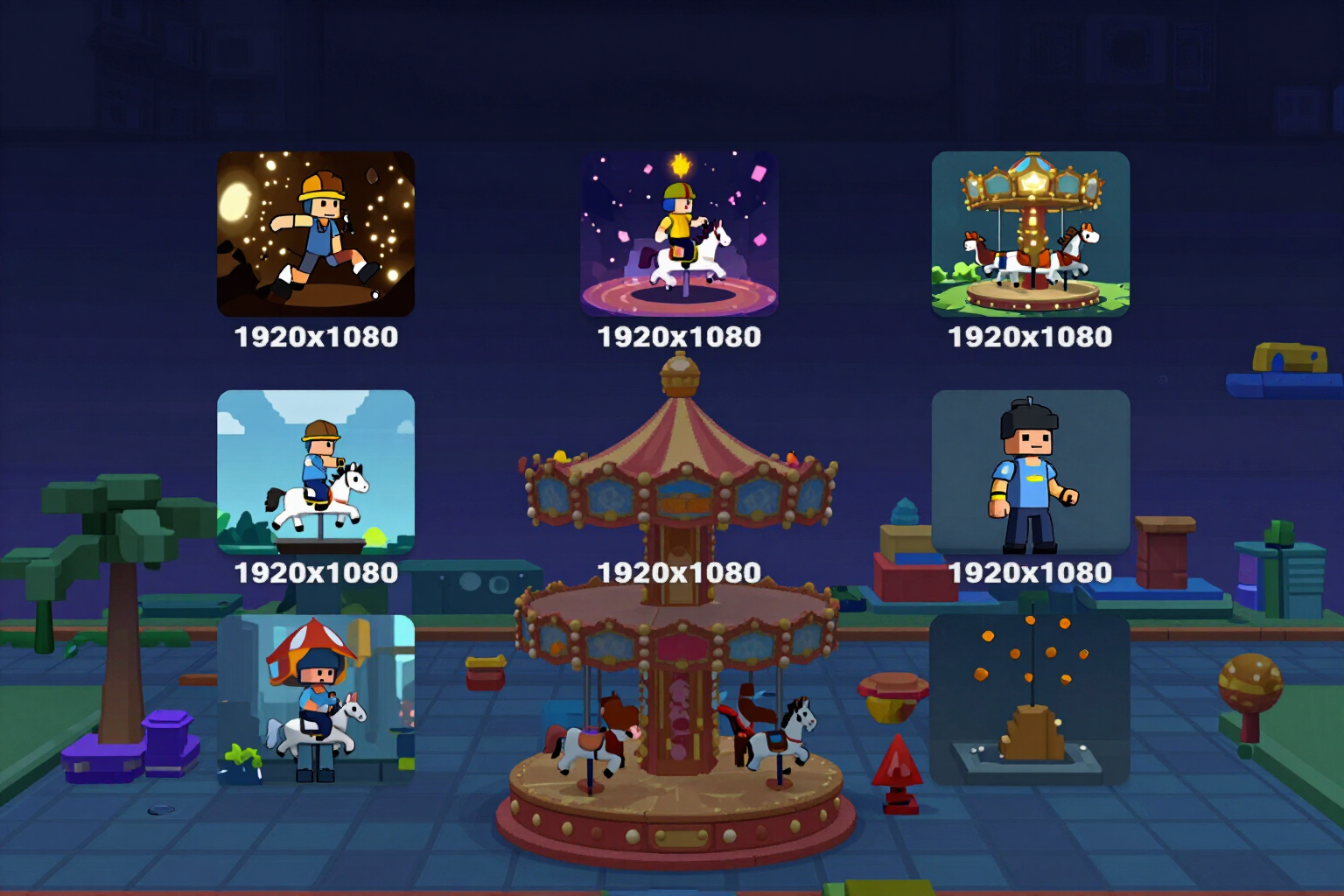
Roblox 1920x1080 縮圖產生器,支援 A/B 測試 | Roblox
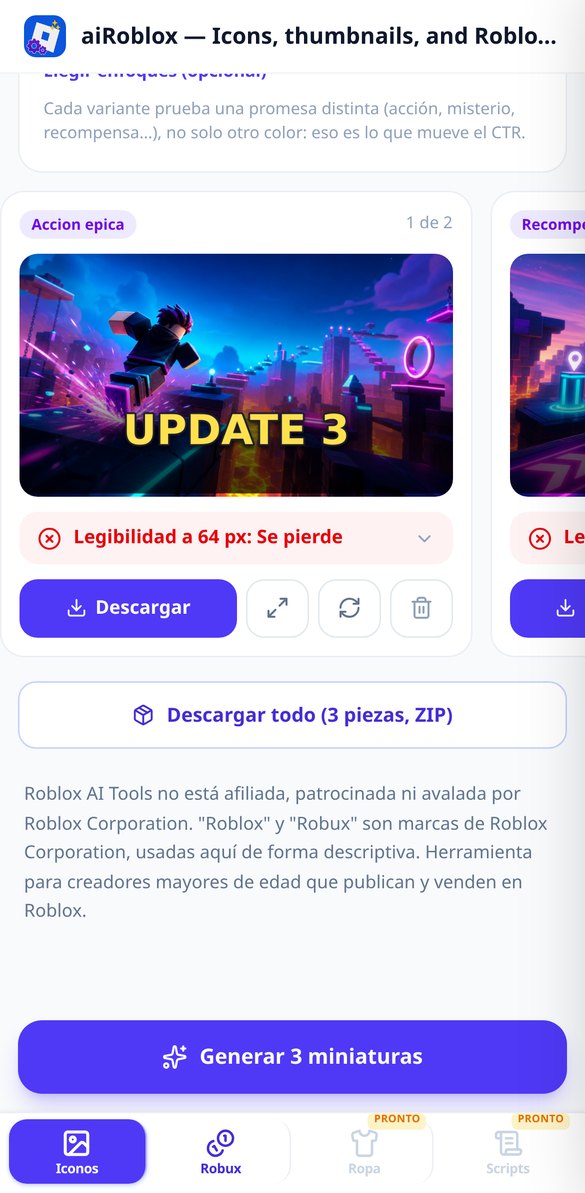
生成 1、3 或 5 張 1920x1080 的 Roblox 縮圖:每個版本測試不同的切入點,並標註好供 A/B 測試使用。免費、免註冊。
免費試用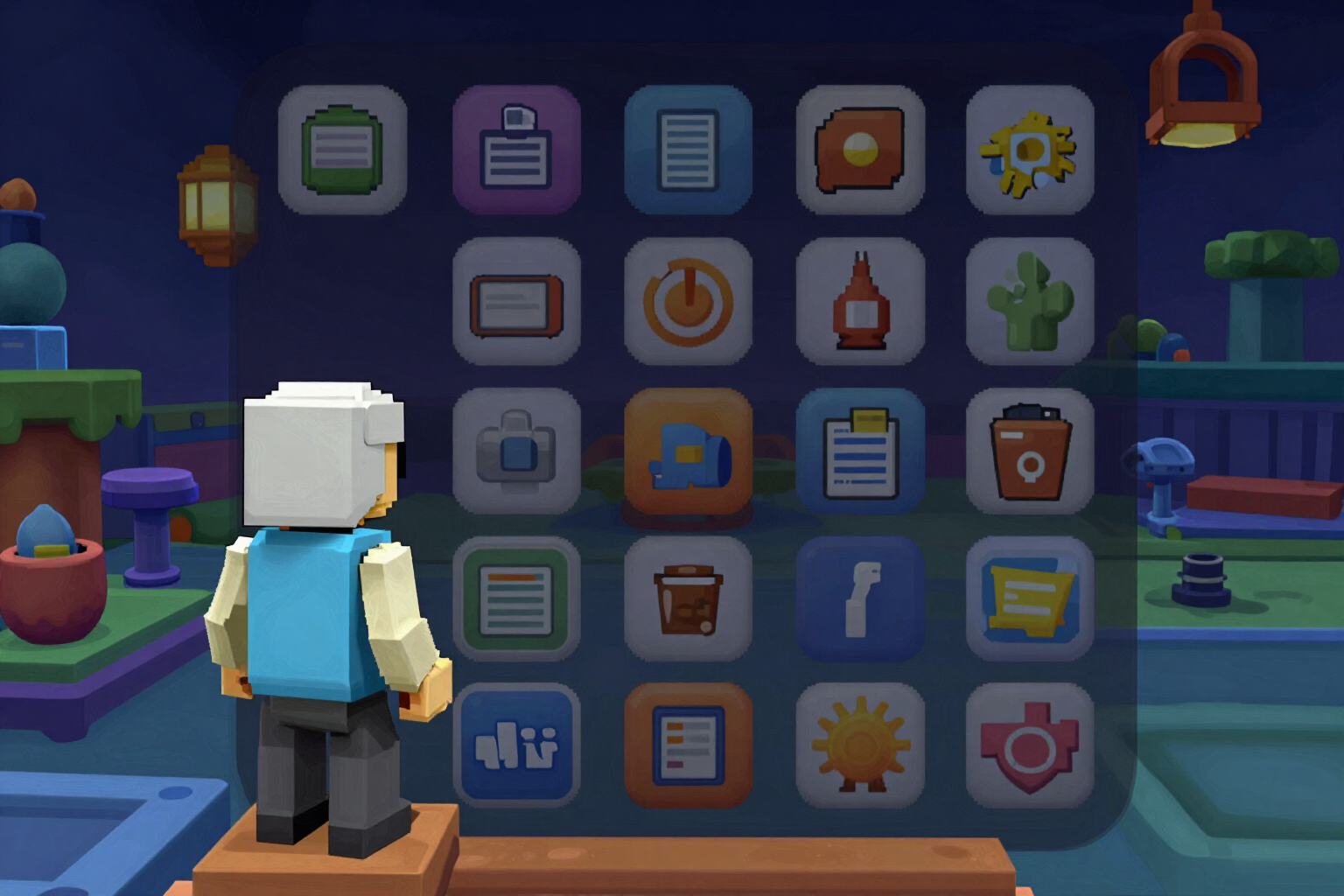
Roblox 圖示在手機上的樣子?64 px 模擬器 | Roblox
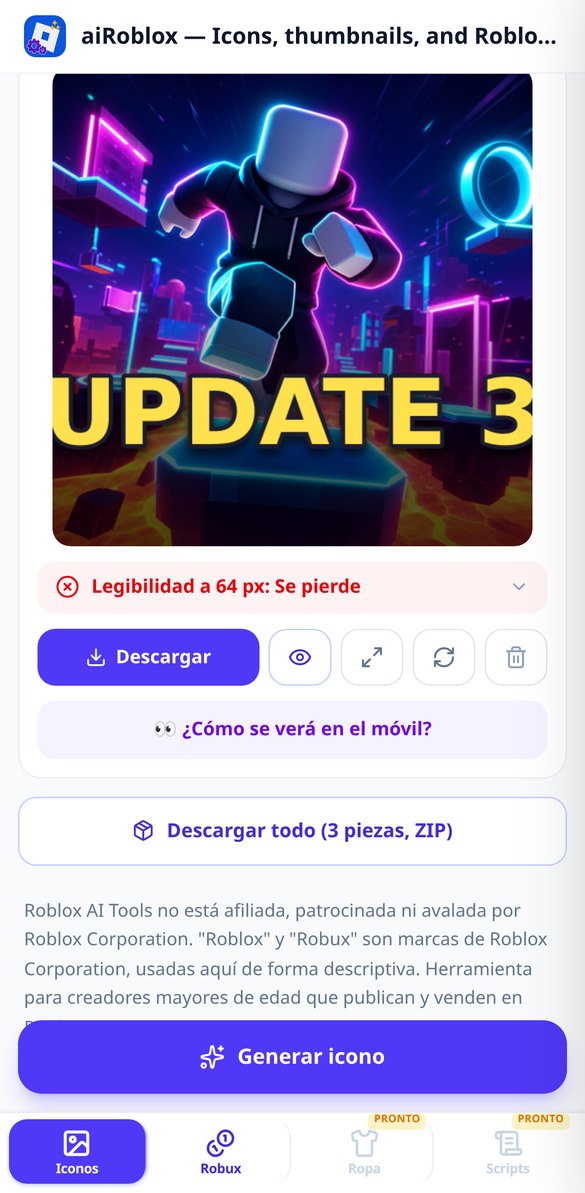
在符合真實比例的探索網格中測試你的 Roblox 圖示,並以 sharp 真正縮小到 64 px(不是 CSS scale)。附易讀性判定。免費、免註冊。
免費試用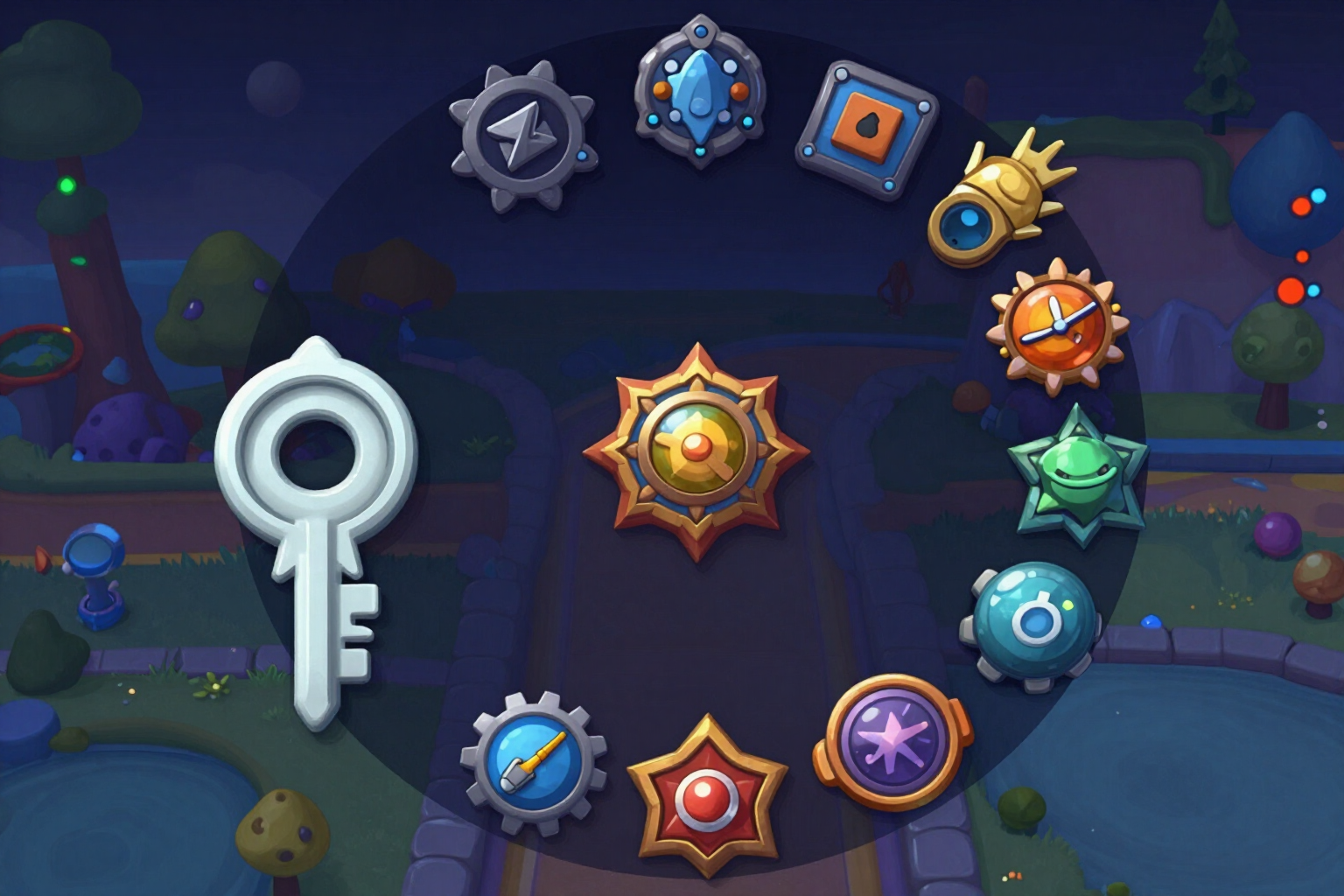
Roblox 512x512 徽章與通行證圖示產生器 | Roblox
為你的 Roblox Badges 和 Game Passes 生成 512x512 圖示,採放射狀構圖:全部內容都在圓形之內,附遮罩預覽,並下載方形圖。免費、免註冊。
免費試用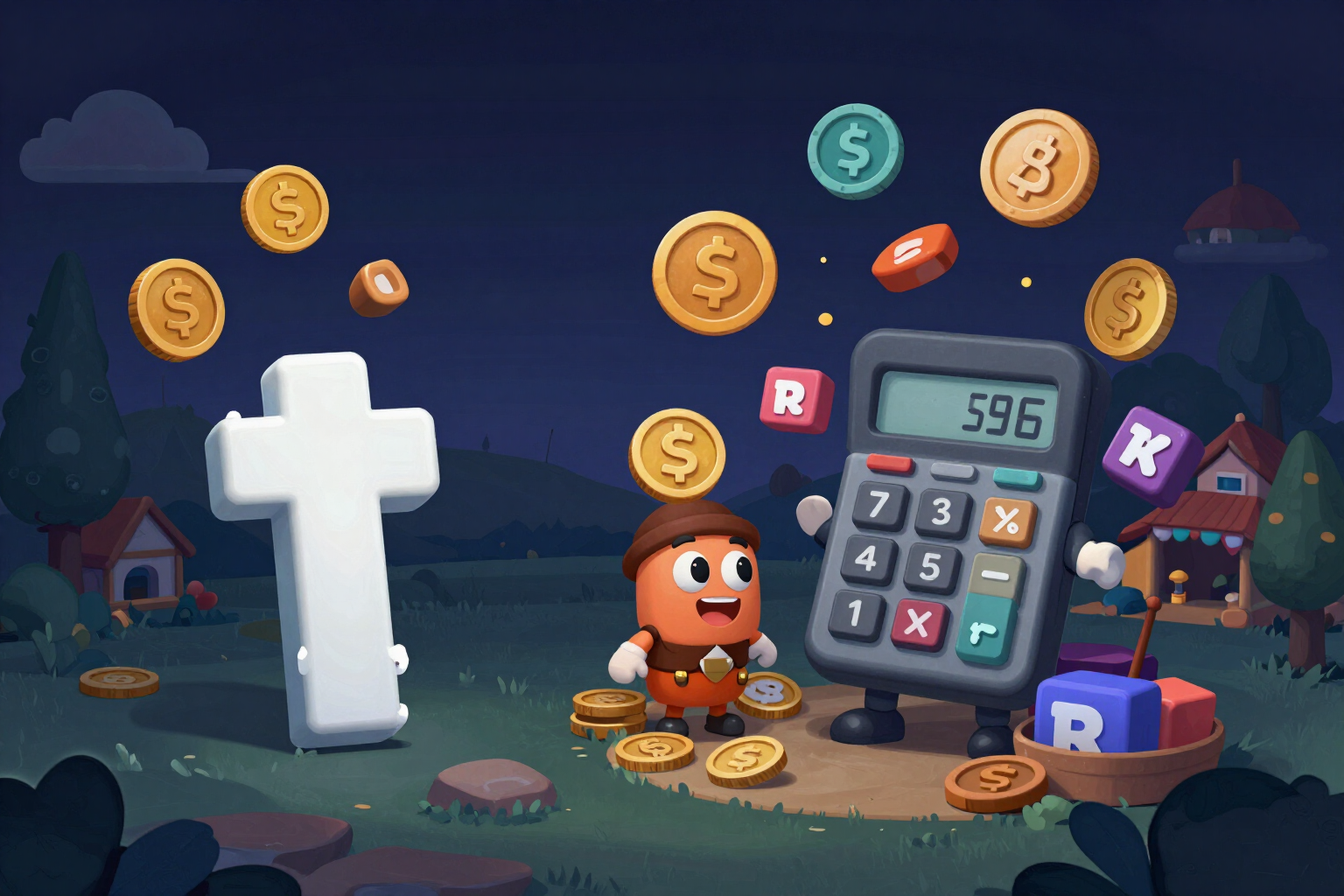
Robux 換算現金計算機(DevEx)| Roblox
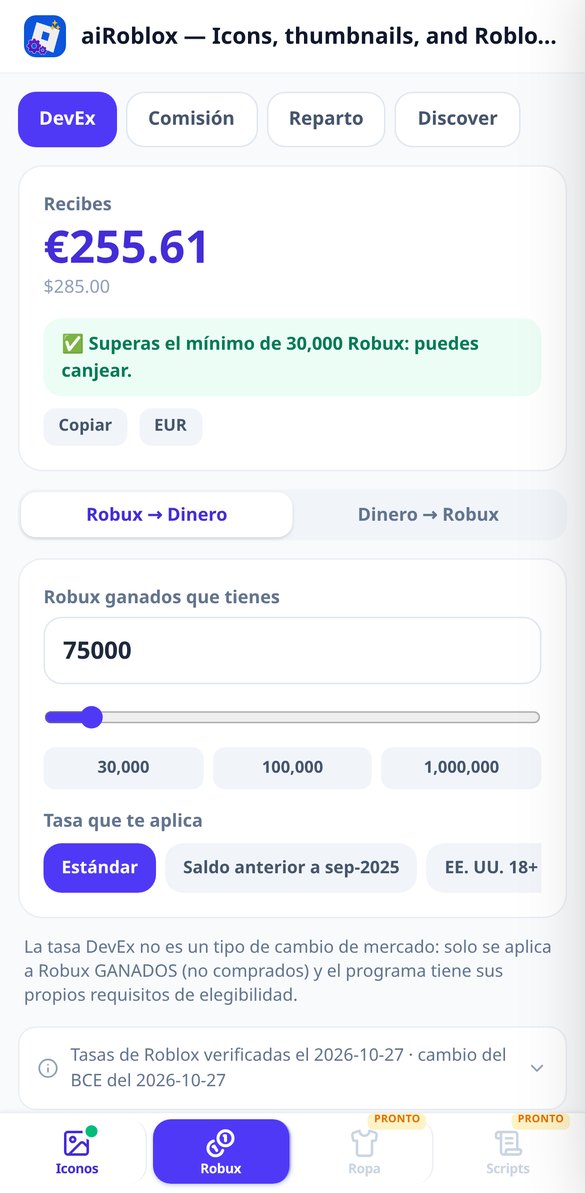
用三種現行 DevEx 匯率和歐洲中央銀行的真實匯率,把 Robux 換算成歐元、美元或你的貨幣,也能反向計算。免費、免註冊。
免費試用
Roblox 手續費計算機:淨額與反向定價 | Roblox
計算 Game Pass 或 Marketplace 物品能留下多少,以及該以什麼價格上架才能收到想要的淨 Robux。採用真實進位方式。免費。
免費試用
AI 生成 Roblox Discover 描述與標題 | Roblox
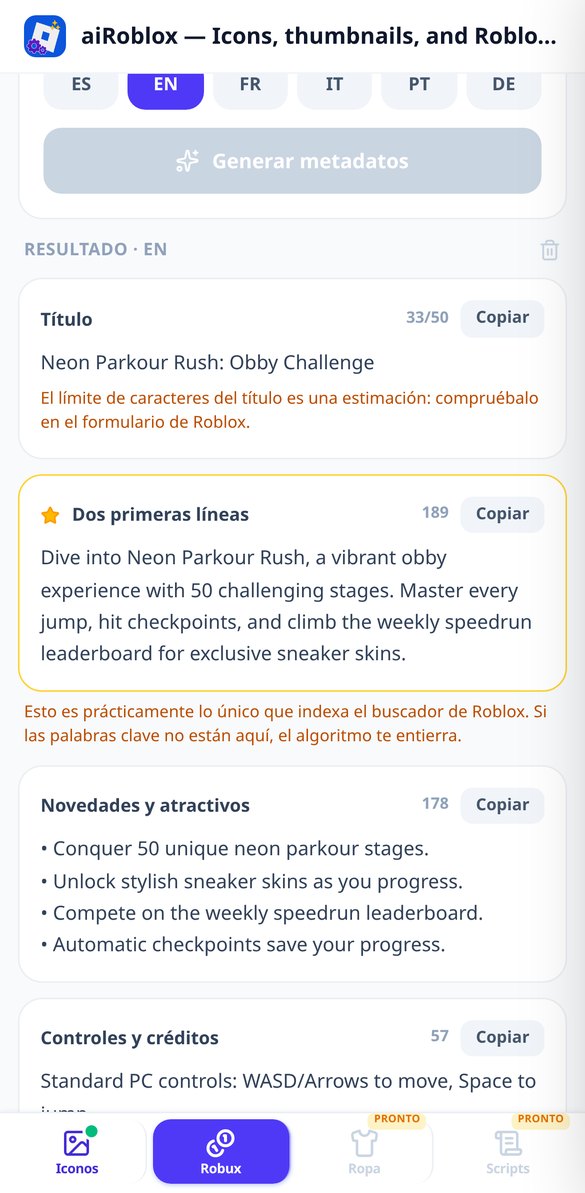
生成 Roblox 體驗的標題、Discover 會索引的前兩行、重點條列、製作人員名單和標籤。附字元計數與複製功能。免費、免註冊。
免費試用這裡產出的內容,可直接上傳到 Roblox
AI never writes a single letter inside an image: it only paints the background and writes the text. Every headline, every piece of on-screen text and every slide number is composed by the server after measuring it first.
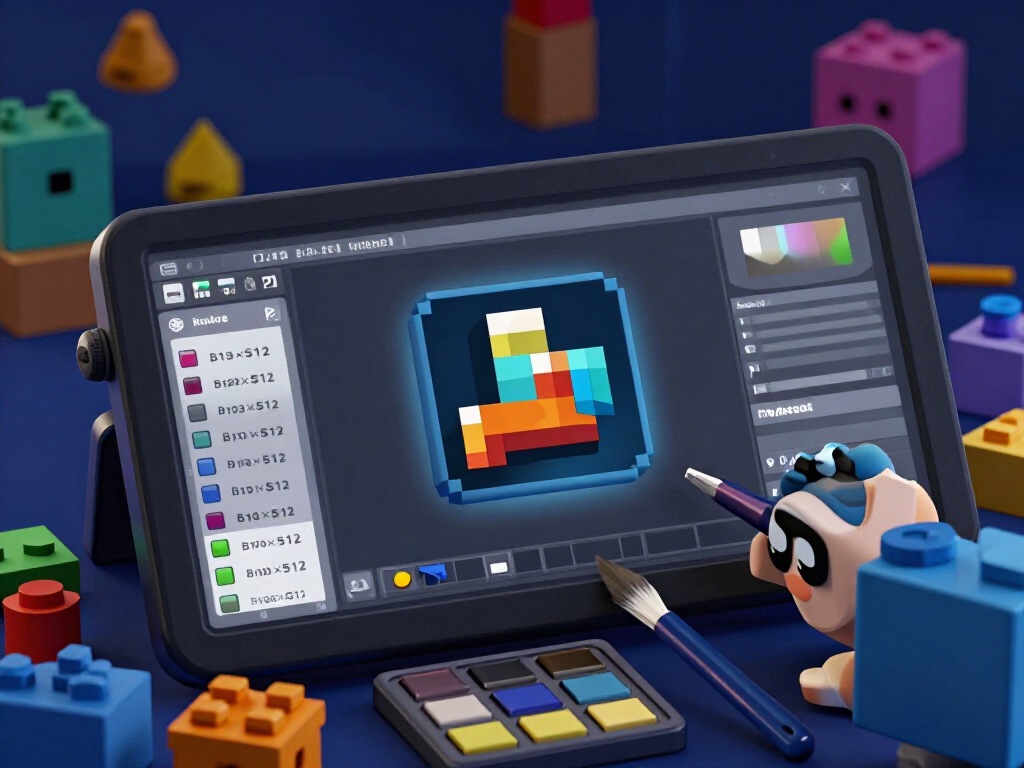
文字清晰可讀的圖示、縮圖和徽章
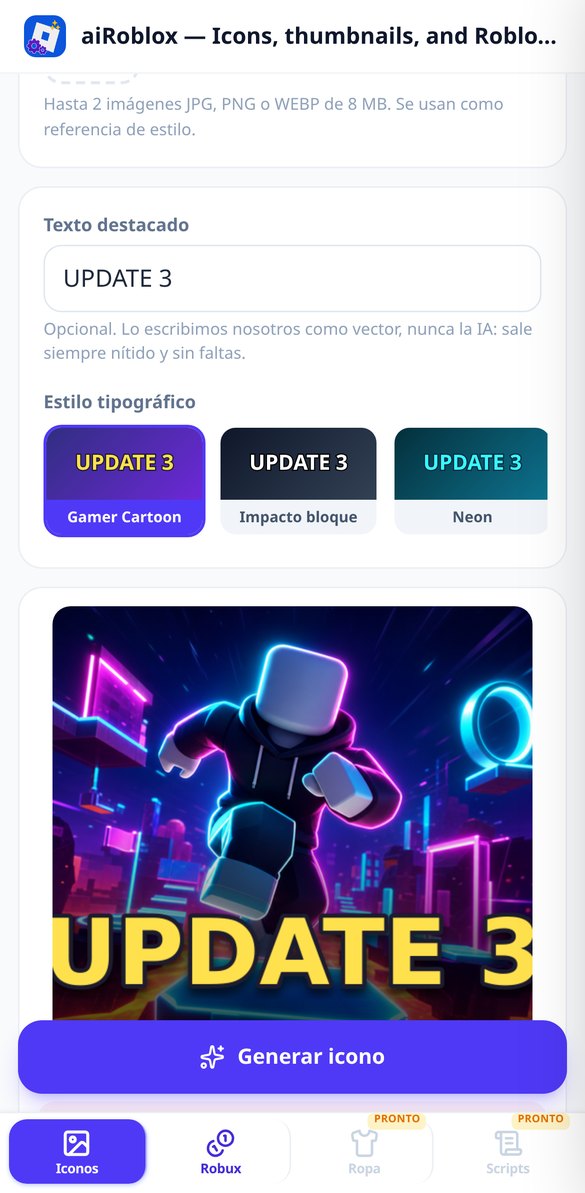
512×512 的圖示、1920×1080 的縮圖,以及 512×512 的徽章和遊戲通行證圖示。您可以從 7 種遊戲類型、5 種配色和 5 種字型風格中選擇,並可上傳最多 2 張遊戲截圖作為風格參考。AI 只繪製背景:您的標題之後才以向量方式組合在漸層底板上,所以絕不會出現變形的字母或拼寫錯誤。在徽章和通行證上,重要內容都會落在安全圓形範圍內,您在下載 Roblox 所需的正方形之前,就能看到套用遮罩後的效果。
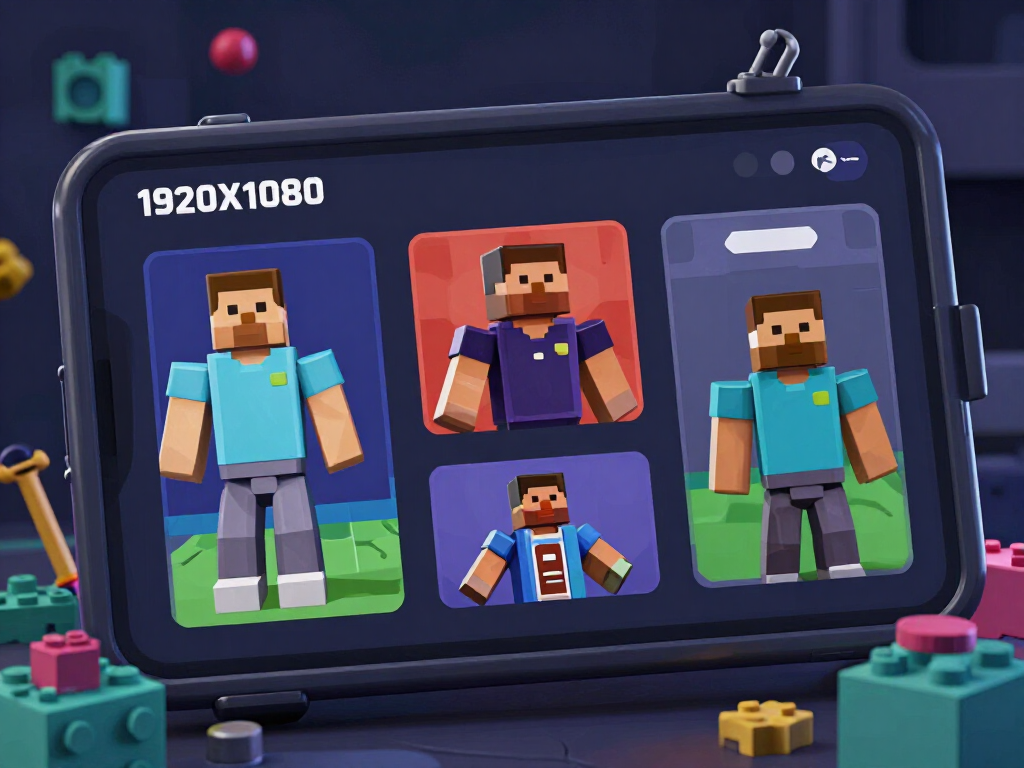
64 像素測試,以及 5 種 A/B 切入點
Roblox 允許對縮圖做 A/B 測試,但不能對遊戲圖示做:在這裡,您的圖示會被真實縮小到 64 像素,放進探索網格與其他卡片並排,並給出以四項實測指標——整體對比、主體與背景、細節密度和文字的實際高度——得出的結論,而不是不透明的 AI 評分。縮圖可選擇 1、3 或 5 個版本,每個版本訴求不同的切入點:史詩動作、懸疑、獎勵、主角或新內容,並標示其假設,讓您在查看結果時知道自己在測試什麼。
依據已驗證費率的 DevEx、手續費與分潤
雙向換算器——從 Robux 到您的貨幣,以及從您的貨幣到 Robux——包含現行的三種 DevEx 費率、30,000 Robux 的最低門檻,以及涵蓋 30 種貨幣的歐洲中央銀行真實匯率。手續費並非一律 30%:計算機會詢問您賣的是什麼(Game Pass、Avatar Marketplace 商品、體驗內商品或 limited 轉售),也能反向計算,告訴您該以什麼價格上架,才能收到確切的淨額。而模擬器會在團隊之間分配收入,調整到剛好 100%,過程中不會損失任何一個 Robux。
從遊戲名稱到檔案上傳完成
Open and start
It opens in your browser, with nothing to install. The name and bio styler works entirely as a guest; a free account is only needed to save your work and for anything that uses AI.
Type and choose
Your niche for the name and bio; the headline and style for the cover; the topic, duration and tone for the script; the topic and number of slides for the carousel. Everything has a default value, so you can just click.
Download and upload it
Copy the text with one tap or download the files, individually or in a ZIP with the numbered slides. Before downloading anything, the simulator shows you with the interface on how it will look in the feed and on your profile.
常見問題
您的下一個圖示,只要一分鐘
Name, bio, cover, hook and carousel in just a few minutes, with nothing to install.