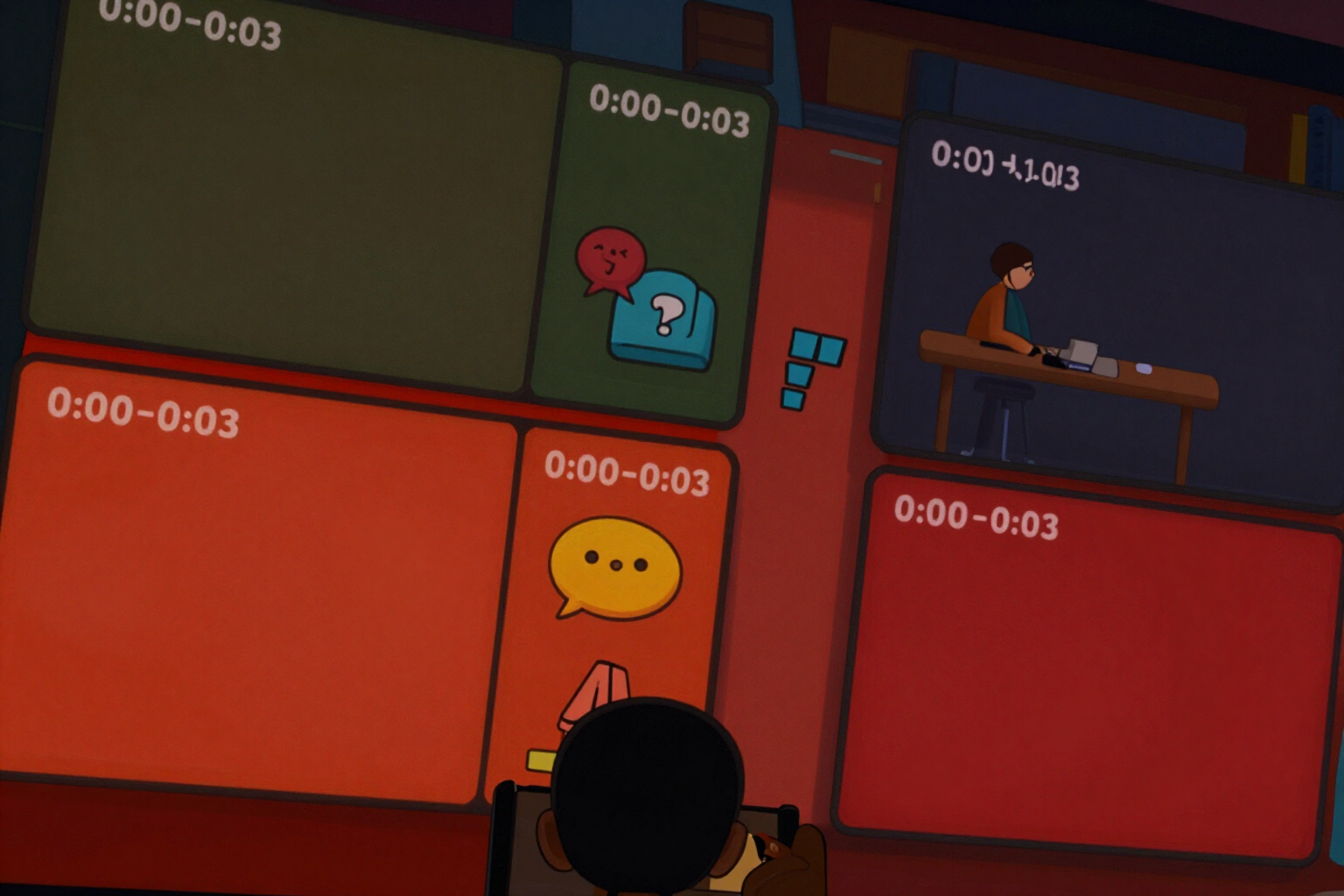
The script by segments, with the timestamp set and the pace measured
You choose the hook and duration, and the script is delivered in four segments with its minute and second: in each segment, what you say, the on-screen text, and what is shown. And if a phrase doesn’t fit in the time you have, the app will notify you before recording.
Having the text is not having the script. What holds you back in front of the phone is something else: how long this piece lasts, what on-screen text to put here, and what exactly to focus on while saying it.
You write the video topic, choose the duration (15, 30, or 60 seconds) and tone, and then select the hook you like best. From there, the app generates the complete script for THAT hook divided into four segments, each with its timestamp: hook, problem, solution, and closing.
The timings are not written by the AI model: they are set by the server with a fixed template for duration. In 30 seconds, it’s 0:00–0:03 for the hook, 0:03–0:12 for the problem, 0:12–0:24 for the solution, and 0:24–0:30 for the closing. In 15 seconds, it tightens to 3/4/6/2, and in 60 seconds, it stretches to 3/12/35/10. That’s why there’s never a gap between two segments or two segments overlapping: the sum always matches the duration you requested.
Within each segment, there are three lines, and they are exactly the three you need when you go to record: “What you say” (the voiceover, as is, for you to read), “On-screen text” (the caption to type in the editor), and “What is shown” (the shot or action). Each line can be copied with a single tap, and tapping the segment header will give you all three together.
And then there’s the pace. The app counts the words in each segment, divides them by the seconds that segment has, and compares with the ceiling of three words per second. If a phrase exceeds this limit, the segment is marked with a warning “tight” and tells you the exact number: “it’s 3.4 words per second, shorten this phrase or you’ll run out of time.” It’s not an AI estimate; it’s a calculation based on your text.
Try Script with timing and measured pace right here
Use it free without an account. If you want to save your result, you can sign up afterwards.
Save / Sign upBenefits of Script with timing and measured pace
Timings that always match
the segments are set by the server with a template for duration (15, 30, or 60 s), not by the AI model. No gaps between segments, no overlaps, and no 45-second script when you requested 30.
Three columns per segment, not a block of text
what you say, the on-screen text, and what is shown. It’s exactly what you lack when recording and what no chat provides in an organized manner.
Measured pace, not opinionated
words from the segment per seconds of the segment, against a ceiling of three words per second. The 'tight' notice appears with the exact figure over the specific phrase that needs to be trimmed.
Ventaja 4
Changing the hook does not incur another generation cost. The script is reassembled on the server by replacing the opening segment, and the timings and pace are recalculated immediately. You can try the ten hooks without paying for AI again.
Three ways to get it
'Copy to Record' gives you only the clean voiceover, ready for the teleprompter; 'Full Script' includes timings, on-screen text, and indications of what is visible; 'On-screen Text Only' is the list to type in the video editor.
Ventaja 6
The chosen hook stays fixed at the top as you scroll through the segments, with the duration next to it. You don’t lose sight of the phrase that starts the video you are measuring.
The closing is separate and has its own block
the call to action with its on-screen text and, if the hook allows, the seamless loop closing phrase that connects with the first word of the video.
If you record for TikTok Shop, the sales tone adds the reminder to declare affiliate content in the video. Price is not invented
if you provide product and offer, your own will be used.
Write the topic and download the pre-timed script
A free account for ten seconds for the AI part. It does not connect to your TikTok account and does not ask for your password.
In the features that use AI, responses are generated by artificial intelligence and are not a substitute for professional advice.