Try Threads — Measured Posts, Story Cards, and Fitting Bios now, no sign-up needed

Threads — Measured Posts, Story Cards, and Fitting Bios · Measured Threads, ready cards, and a bio that fits
Measure 500 characters as Threads counts them, see where the feed truncates before publishing, and download your post as a 1080×1920 card for Stories. Without connecting your account and without signing up.
In the features that use AI, responses are generated by artificial intelligence and are not a substitute for professional advice.

How many turns have you burned sliding the striker along the base line to see if the angle finally shows up?
In carrom the shot doesn't start where the disc landed: it starts where YOU decide to place the striker. And that's the problem no guide solves, because they all tell you where to aim from where you already are. This app flips the question: it sweeps every legal position on your base line and gives you back the bands that make the shot possible, the best placement position and its width in millimetres of board —because what you train is the window, not a point, and that's the only thing that survives a finger on a six-inch screen—. On top of that it draws the ghost striker and the contact point, gives you the cut angle and the fraction of disc you'll see, names the disc blocking each stretch along with its clearance, and warns you when the striker is going to follow the disc into your own pocket, the Due that makes you hand back a piece you'd already won: the risk is published as a ±8° cone, not as a thin straight line, and the fix is one tap that shifts the placement by just the right millimetres. Where there's no direct shot you get the 1 and 2 rails, the back shot, discs stuck to the rail with three strategies and the Queen plan, which decides whether it's worth going for her and which disc you cover her with afterwards. The measurements are the tournament board's, not rough proportions, and every number that's an estimate comes with its seal and its margin in plain sight. And the line we don't cross: this is not an aim bot. It doesn't overlay the game, doesn't read your screen, doesn't work during the match and doesn't aim for you. It's a whiteboard to train before and after you play.
See the tools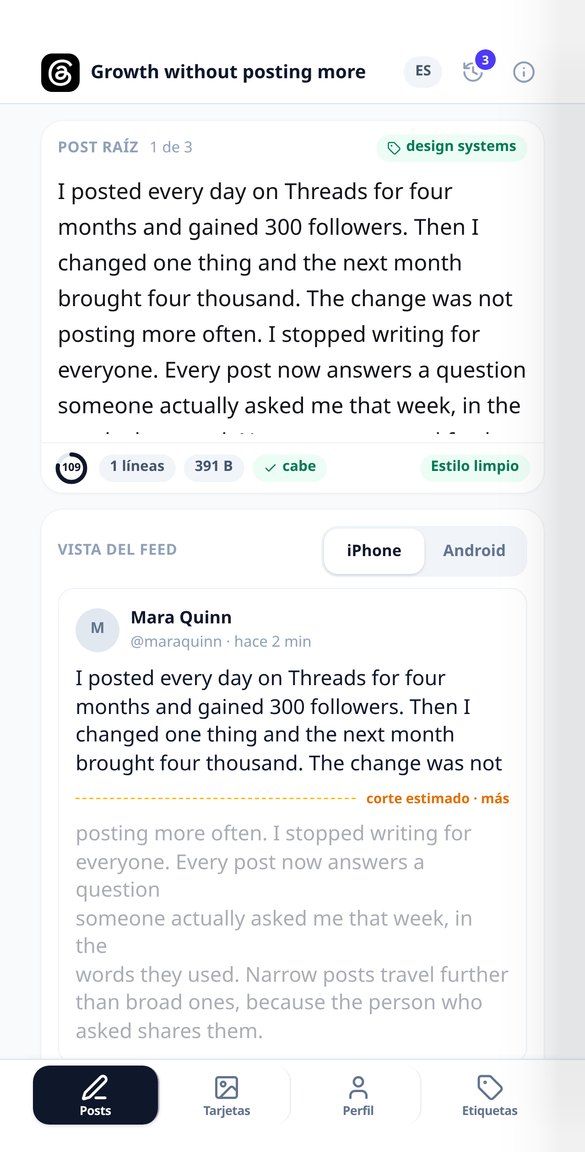
Discover every feature in detail
Threads Character Counter: 500 Graphemes and Bytes
Counts the 500 Threads characters by graphemes (an emoji counts as 1) and simultaneously measures the UTF-8 byte weight validated by Meta. Features include a progress ring, breakdown, and composite emoji reducer. Free and no registration.
Try it free
Where a post is truncated on Threads: «more» simulator
See before you publish where the Threads feed truncates your post and if your hook falls below the «more». Real layout simulator with iPhone / Android toggle, hidden text preview, and one-tap fix. Free and without connecting your account.
Try it free
AI Thread Generator for Threads (unnumbered)
Write your idea and the AI returns the root post with a hook and its chained replies for Threads: without «1/7», without X’s metadiscourse, and with each post measured in glyphs and bytes against the 500 characters. Free to start.
Try it free
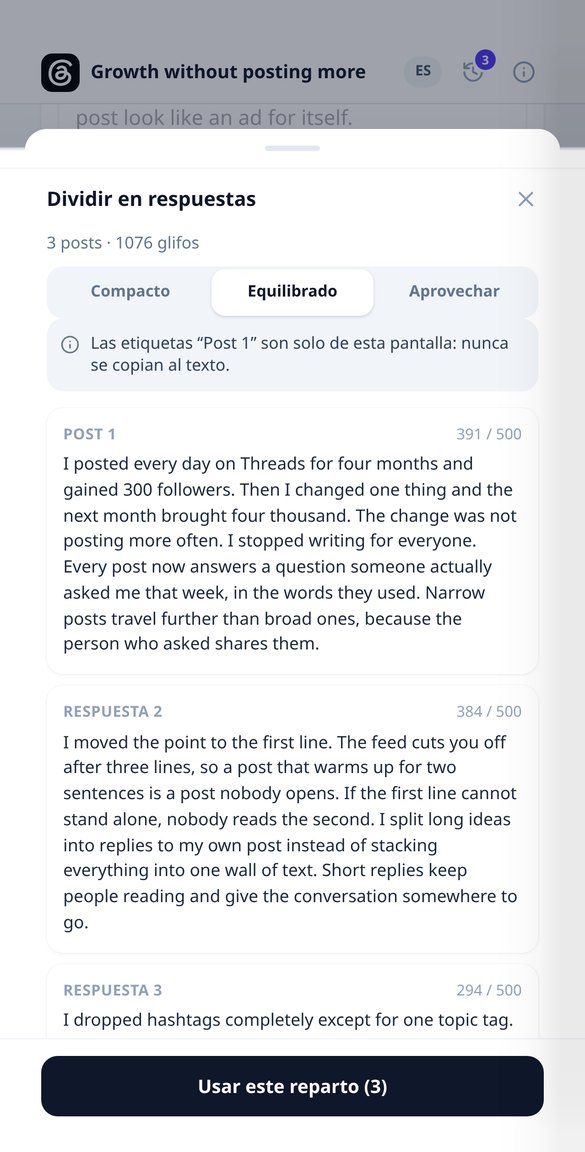
Split a long text into unnumbered Threads posts
Paste a long text and split it into posts of less than 500 graphemes, cutting at sentence endings, with three split densities and a forced break warning. Without «1/7» numbering, free, and without connecting your account.
Try it free
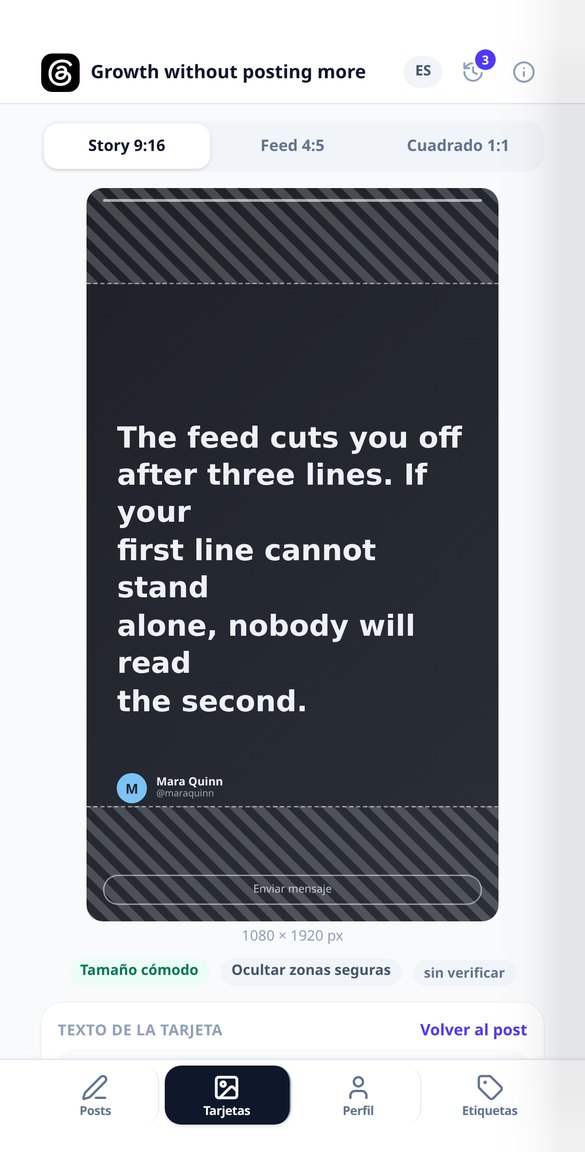
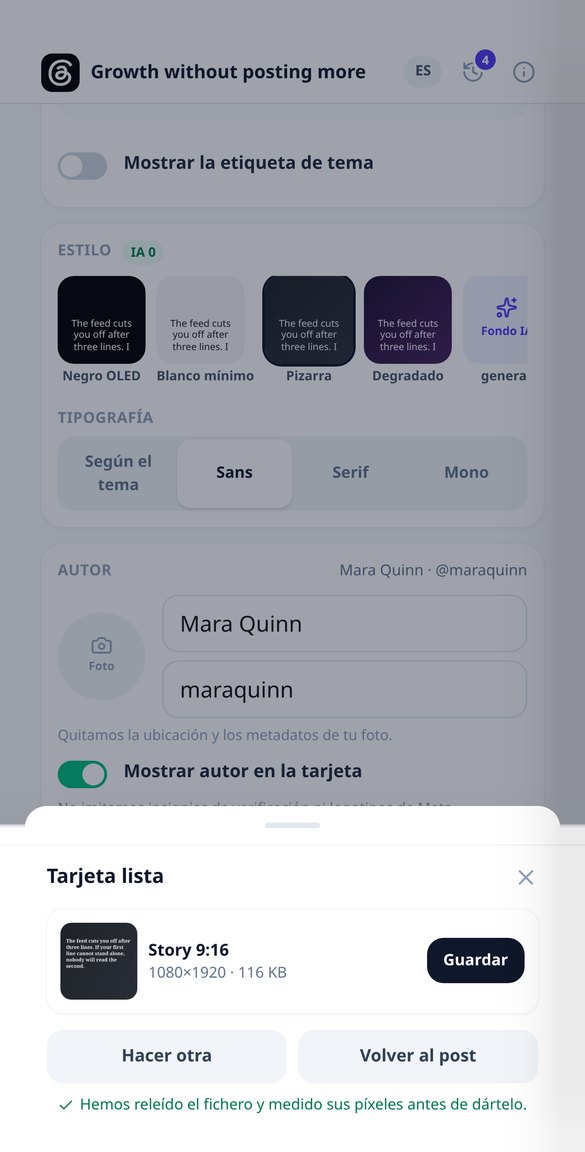
1080×1920 Image Card for Stories from your Threads post
Convert your Threads post into a 1080×1920 image for Instagram Stories, with safe areas marked (250 top, 300 bottom, 80 side), no watermark, and without connecting your account. Free to start.
Try it free
AI Bio Generator for Threads: 3 proposals, 150 characters
Write your Threads bio with AI: three proposals with distinct angles from four short fields, measured against 150 characters and against the 3 visible lines of the profile. Without connecting your account.
Try it free
Threads Topic Tag: How Many and Which to Choose
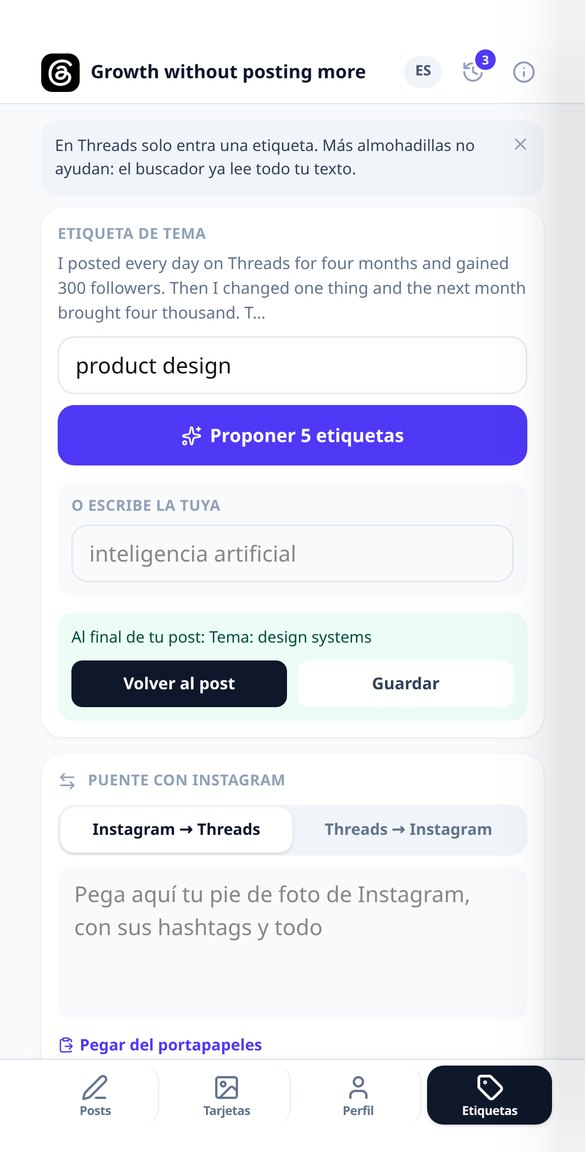
Threads only allows one topic tag per post: the app suggests five candidates with their rationale and breadth, validates yours (50 characters, no hash sign), and you choose one.
Try it free
Convert an Instagram Caption to Threads (without hashtags)
Paste your Instagram caption and receive a Threads post under 500 characters: without a block of hashtags, without «link in bio», and with an open question. Includes a report of what was removed and added. Free to start.
Try it freeEverything you need before hitting publish
The board is square, with four pockets in the corners, and the discs are flat: they don't roll and they don't come back, so there's no spin here and no phantom cue-ball. While you drag, the board recalculates the shot instantly: there's no calculate button. Built for 360 px, with a slider, steppers and a magnifier so your own finger doesn't cover the shot.
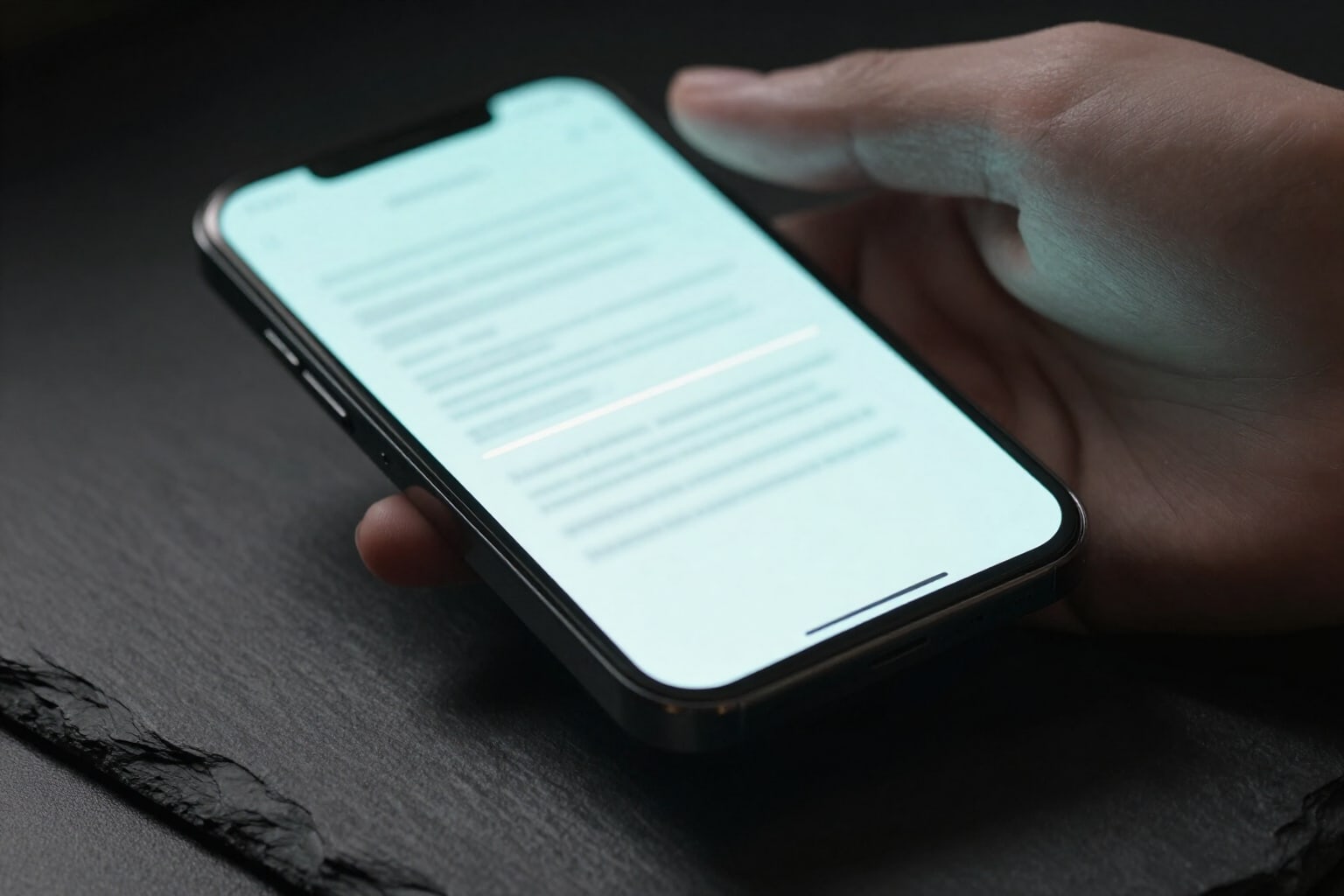
Feed truncation, visible
Generate the root post and its chained replies without '1/7' numbering, measure graphemes and bytes against Threads' 500, and mark the line where the feed truncates your text, showing the most restrictive cut between iPhone and Android.
1080×1920 Cards for your Stories
Export your post in PNG at 1080×1920, 1080×1350, or 1080×1080, with Stories' safe zones striped and four sober, zero-cost themes. Text is measured by actual ink box: it doesn't overflow or get cut off.

Profile, bio, and a single tag
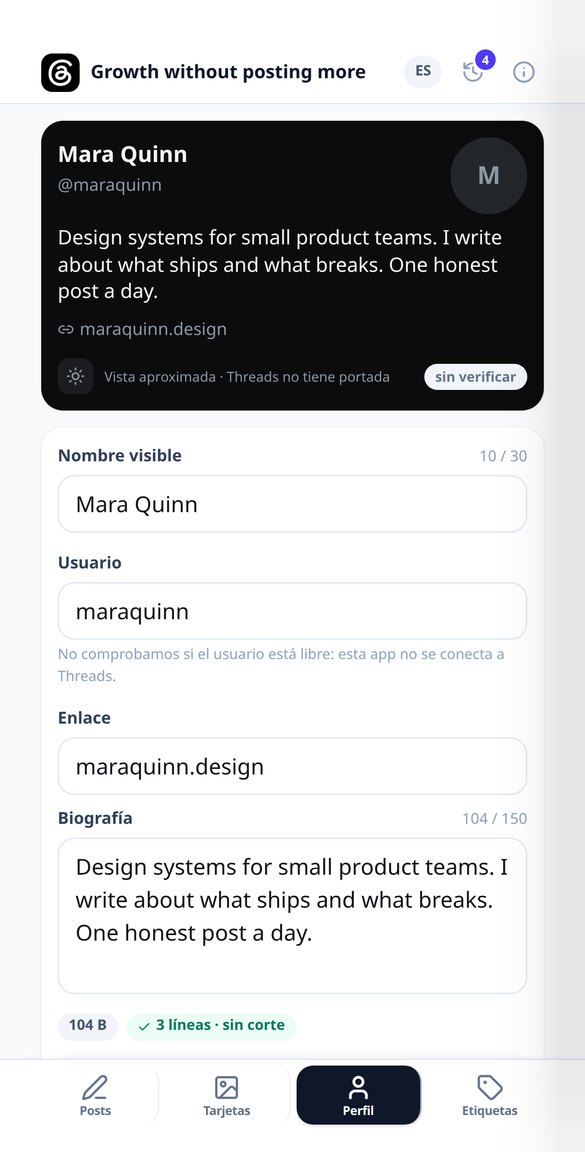
Simulate your profile card —without a cover, because Threads doesn't have one—, measure the bio in 150 characters, and notify when it exceeds 3 visible lines. Five Unicode styles to highlight words and five topic tag candidates, of which only one fits.
From draft to post in three steps
Get in without signing up
It opens in your browser, nothing to install and no game account asked for. You land straight on the board and whatever you set up is saved on your phone: close the browser and you don't lose the position.
Copy your position
Drag your discs, your opponent's and the Queen onto the sketch and tap the pocket you want to go for, or leave it on auto and let the app pick the best of the four. Pieces don't overlap or fall off: they settle themselves into a legal position.
Read the verdict and train
Recommended placement, window, angle, fraction of disc, blockers, Due warning and a difficulty breakdown. Download the diagram as PNG or the A4 drillbook as PDF to practise, and go back to the game with the reference in your head. With an account you can save your positions, keep track of your drills and ask Nolan to explain it to you.
Frequently Asked Questions
Measure your next post before publishing it
Calculating is free, unlimited and needs no account. An account saves your positions, your drill progress and opens the AI coach.